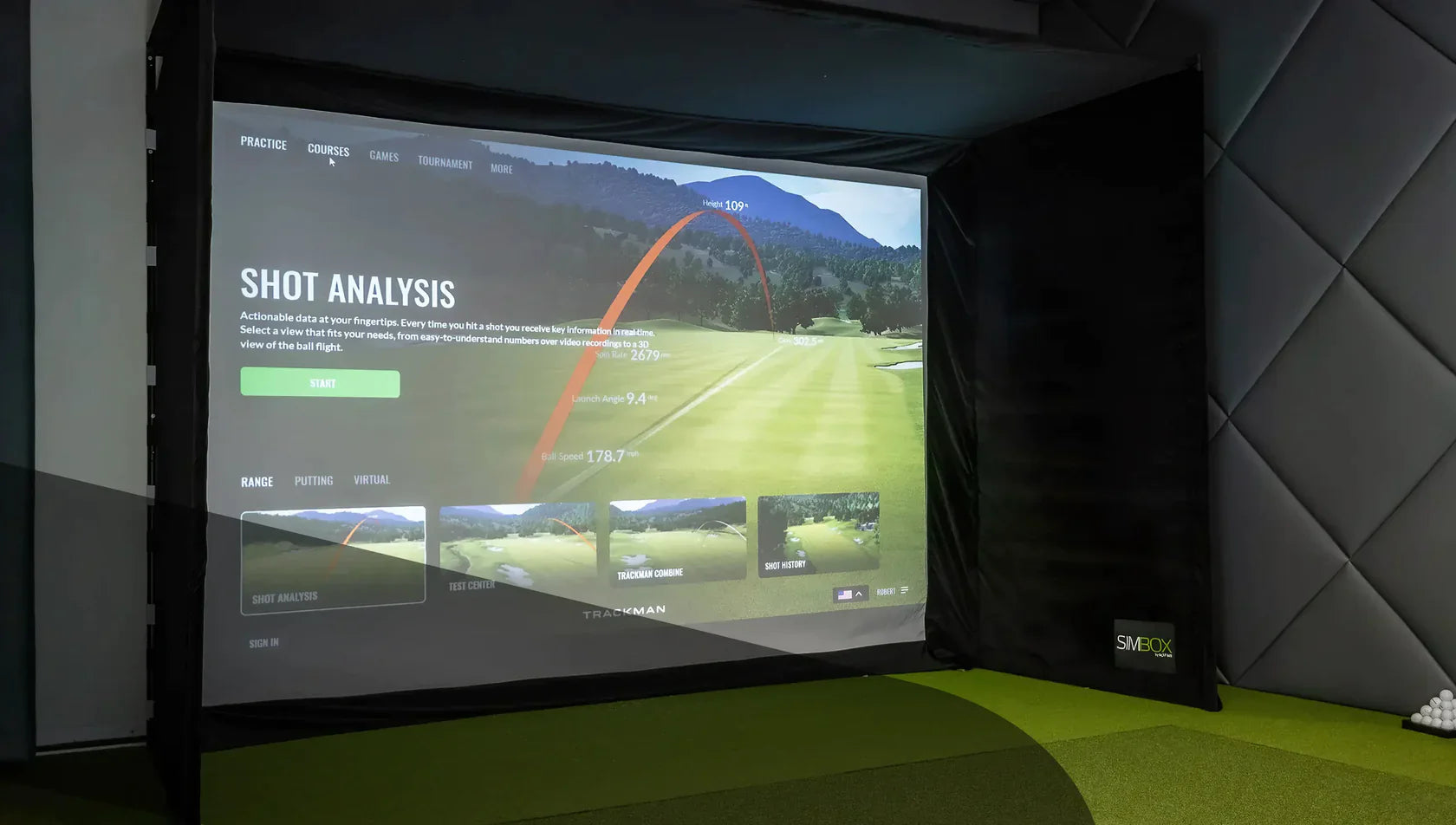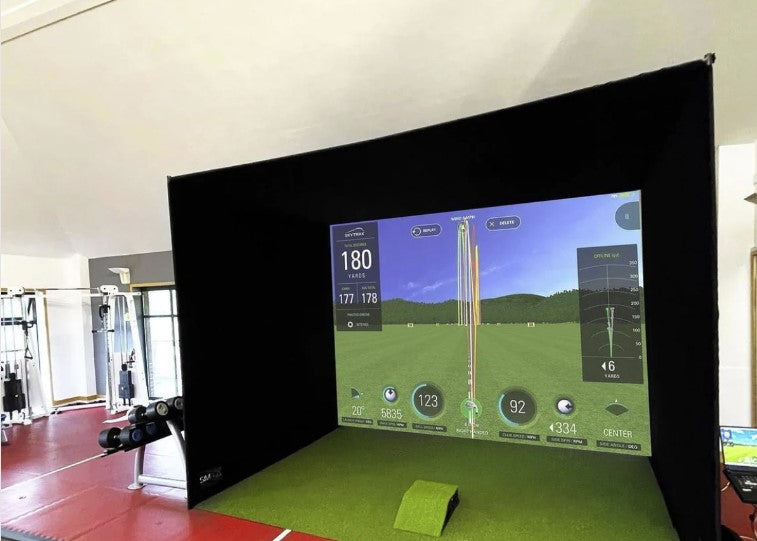






If you’re thinking about which launch monitors work with GSPro, you’ve likely moved past the question of whether a home golf simulator is worth it and into the more nerdy detailed phase: comparing software, launch monitors, PC requirements, subscriptions, enclosures, hitting mats, projectors and all the other details that take a sim setup to the next level.
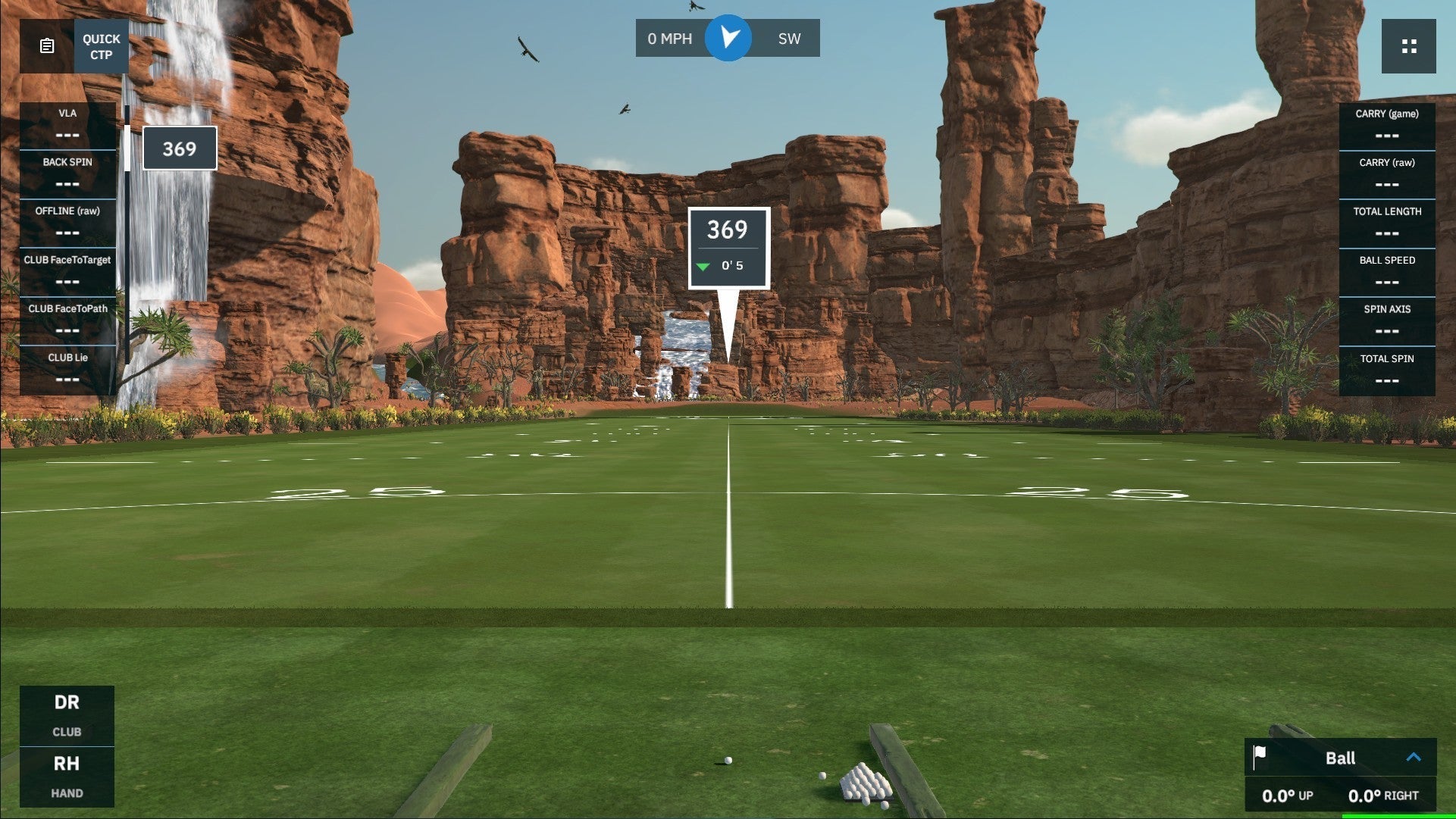
For the next 10 minutes, the focus is software. Specifically, GSPro, which is one of the major golf simulator software platforms for home golf setups, serious practice rooms and simulator bays. It's best known for realistic ball physics, 4K graphics, online play and a HUGE library of community-created courses.
But before you build your setup around it, there’s one important question to answer: Will your launch monitor actually work with GSPro?
The short answer is that plenty do. But GSPro compatibility depends on your specific launch monitor, the connection method, the manufacturer’s own software requirements and, in some cases, extra subscriptions you have to fork out for.
In this guide we’ll break down which launch monitors currently work with GSPro, what compatibility really means, and what to check before you buy.

Quick Answer: Which Launch Monitors Work with GSPro?
GSPro currently lists official support for launch monitors from Uneekor, FlightScope, Foresight Sports, Bushnell, Full Swing, Garmin, Rapsodo, ProTee, GolfTrak, OpenLaunch, Square, VTrack, GolfJoy and BlueTees.
Here’s the current supported list:
| Brand | GSPro-supported launch monitors |
|---|---|
| Uneekor | EYE XO, EYE XO2, EYE MINI, EYE MINI Lite, QED, XR |
| FlightScope | Mevo+, Mevo Gen2, Xi, X2, X3 |
| Foresight Sports | GC3, GCQuad, GCQuad Max, GCHawk, Falcon |
| Bushnell | Launch Pro |
| Full Swing | KIT |
| Garmin | R10, R50 |
| Rapsodo | MLM2PRO |
| ProTee | VX |
| GolfTrak | GolfTrak |
| OpenLaunch | Nova by OpenLaunch |
| Square | Square Home, Square Omni |
| VTrack | VTrack |
| GolfJoy | Spica 3, GDS Pro, GR2, GR3, GR3 Pro |
| BlueTees | RAINMAKER |
GSPro also offers an OpenAPI/interface, which allows the golf sim community to create integrations for other hardware. That flexibility is one of the reasons GSPro has become so popular among simulator golfers.
But there’s a big caveat: official compatibility, OpenAPI support and forum workarounds are not exactly the same thing.
If you’re building a new simulator and GSPro is central to your plan, it’s probably best to start with the launch monitors GSPro currently lists as supported.
What Does GSPro Compatibility Actually Mean?
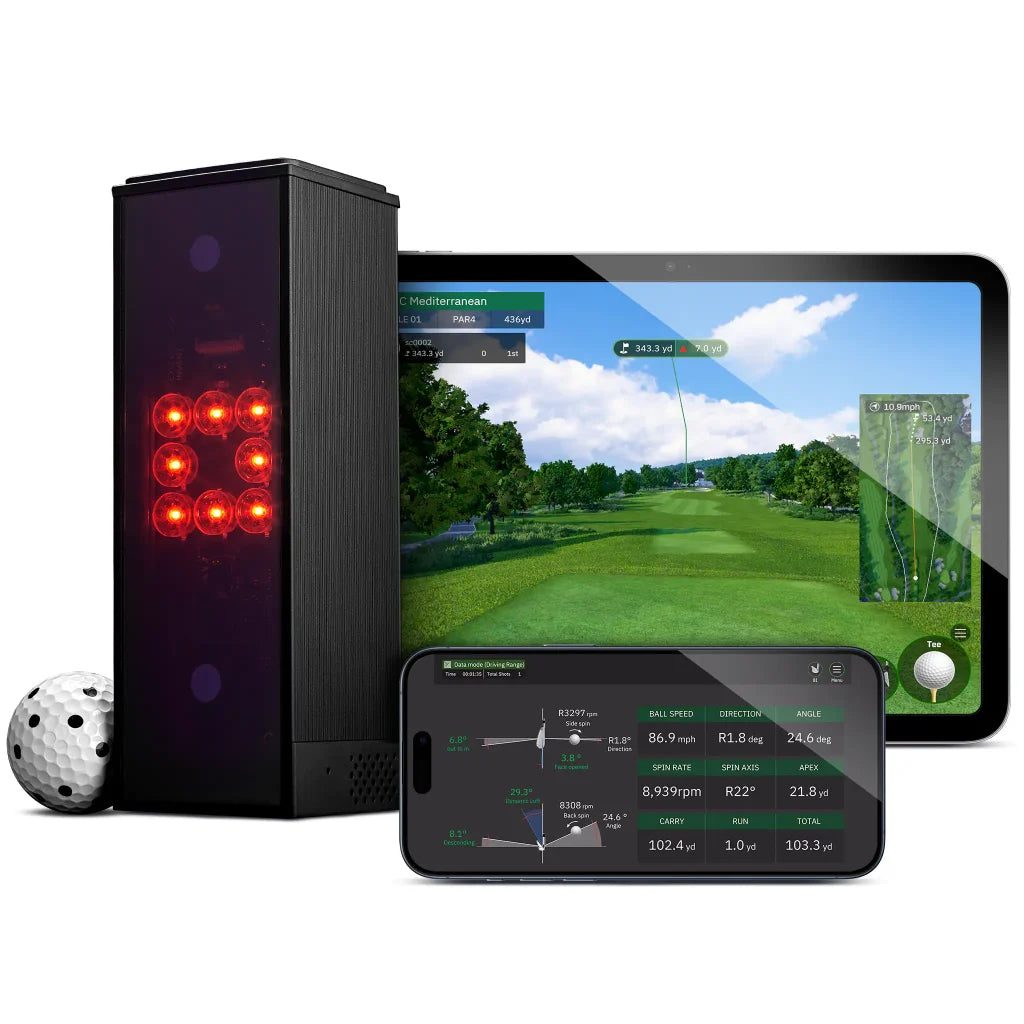
When a launch monitor works with GSPro, it means the launch monitor can send shot data into the GSPro software, allowing GSPro to recreate your ball flight in the simulator environment.
In practical terms, your launch monitor captures the shot. GSPro turns that data into the on-screen result: ball flight, carry distance, curvature, landing position, bounce, roll and everything else that makes simulator golf feel like proper golf.
But compatibility is not always as simple as buying GSPro, connecting a launch monitor and playing 18 holes before dinner.
Depending on the launch monitor, you may need:
-
A Windows gaming PC capable of running GSPro
-
A specific connection method, such as Ethernet, Bluetooth or WiFi
-
Manufacturer software installed
-
An active manufacturer subscription
-
A GSPro subscription
-
A supported integration or connector
From this short list you can see that compatibility alone may not be enough. Sometimes it is, but sometimes there are extra software requirements, subscription costs or setup to consider.

GSPro System Requirements: Don’t Forget the PC
GSPro is PC-based software. It currently requires a Windows 10 or Windows 11 PC and is not available for MacOS or iOS.
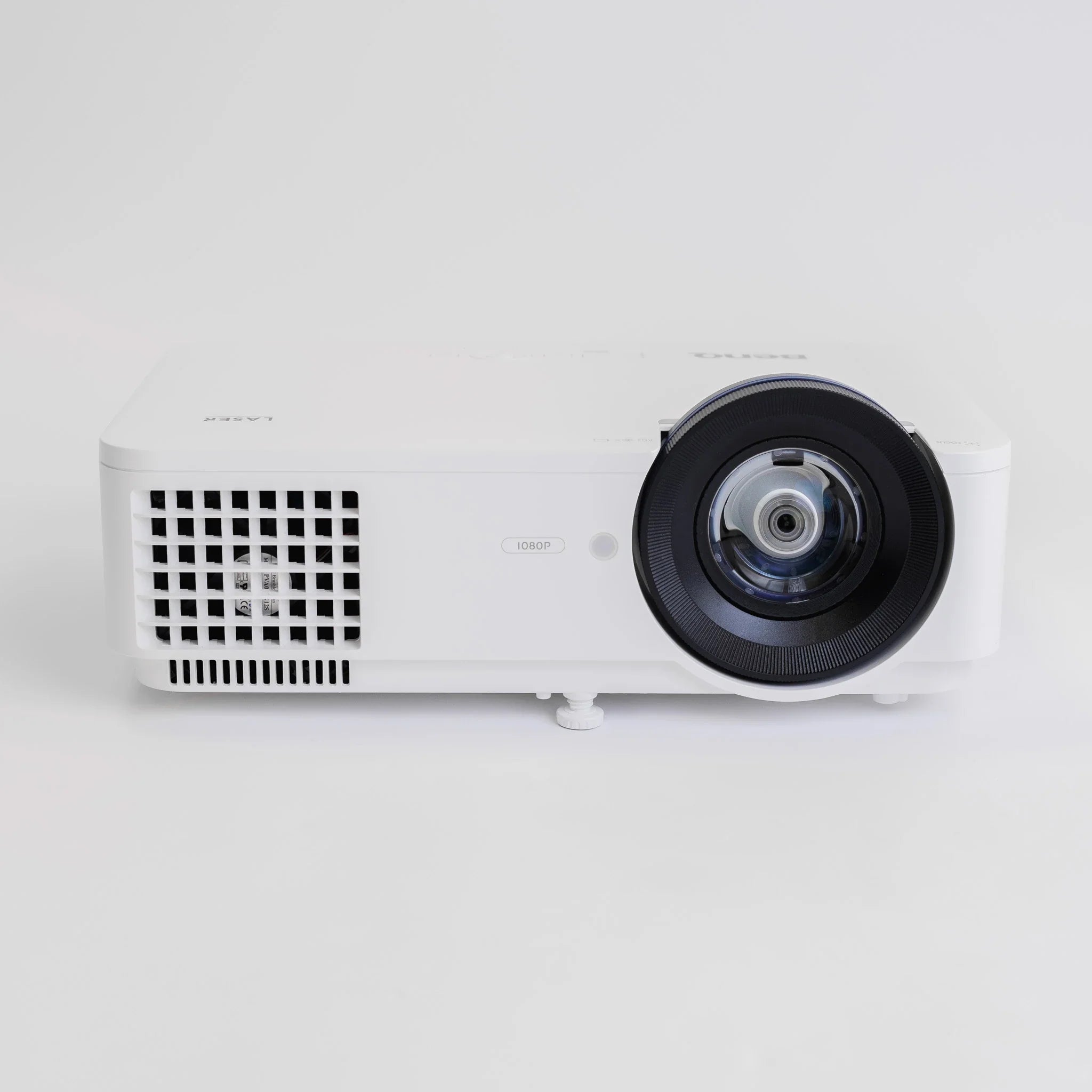
That matters because your launch monitor is only one part of the setup. You also need a PC with enough graphics power to run GSPro smoothly, especially if you’re using a projector, large impact screen or 4K display.
GSPro currently recommends the following hardware...
```html
| Resolution level | Recommended hardware |
|---|---|
| Minimum recommended for 1080p | 10GB free space, RTX 3060, 16GB memory, stable internet connection, and Ethernet or Bluetooth connectivity depending on the launch monitor |
| Better 1080p experience | 20GB free space, RTX 3070 or RTX 3060 Ti GPU, and 16GB memory |
| 4K experience | 20GB free space, RTX 3080 or better GPU, and 32GB memory |
The key point here is that GSPro compatibility is not just a launch monitor question, it’s about how it works with your full setup.
If your launch monitor works with GSPro but your PC is underpowered, your simulator experience will suffer. The ball might be flying perfectly in theory, but if the software is stuttering, the setup is not doing its job.
GSPro Pricing and Subscription Requirements
GSPro is currently priced at $250 per year.
That subscription gives you access to GSPro, but depending on your launch monitor, it may not be the only software cost involved. Some brands have extra manufacturer requirements before GSPro access is available.
This is one of the most important things to check before buying.
```html
| Launch monitor brand | Extra requirement to check |
|---|---|
| Foresight Sports | GC3, GCQuad, GCQuad Max, GCHawk and Falcon users need FSX 2020 or FSX Play |
| Bushnell Launch Pro | A paid Gold-level subscription is required |
| Uneekor | An active Uneekor Pro Package subscription is required |
| Rapsodo MLM2PRO | A Rapsodo Premium Membership is required |
| Other launch monitors | Check the latest manufacturer and GSPro requirements before purchasing |
```
This does not make those launch monitors bad choices. Far from it. But it does change the real cost of ownership.
If you are comparing launch monitors for a GSPro simulator, don’t just compare the hardware price. Compare the full software stack:
-
Launch monitor cost
-
GSPro subscription
-
Manufacturer software or membership
-
Gaming PC
-
Projector or display
-
Enclosure or net
-
Hitting mat
-
Any required cables, mounts or accessories
Golf simulator budgets have a habit of starting with sensible intentions and ending with a full enclosure, premium mat and a projector that definitely was not part of the original plan. So check the software costs early to make sure you don’t get caught out.
Official Support vs OpenAPI and Community Integrations
GSPro has an OpenAPI/interface that allows the community to create software integrations with other hardware. That openness is part of GSPro’s appeal. It gives the platform flexibility and has helped it grow quickly among simulator golfers.
But for most customers, especially if you are buying new equipment, there is a difference between:
-
Officially supported launch monitors
-
OpenAPI or community integrations
-
Unofficial workarounds
Official support is usually the cleanest route. It gives you a clearer path for setup, support and long-term use.
Community integrations can be useful, but they may require more technical knowhow. They can also depend on third-party tools, updates, Discord guidance, forum posts or other moving parts. That’s probably fine if you enjoy tinkering and the process of building a setup bit by bit. But it’s more of a hassle for those players who just want to turn the sim on and play 18 holes.
For a home simulator used by the family, or a simulator setup used by customers, clean compatibility matters.
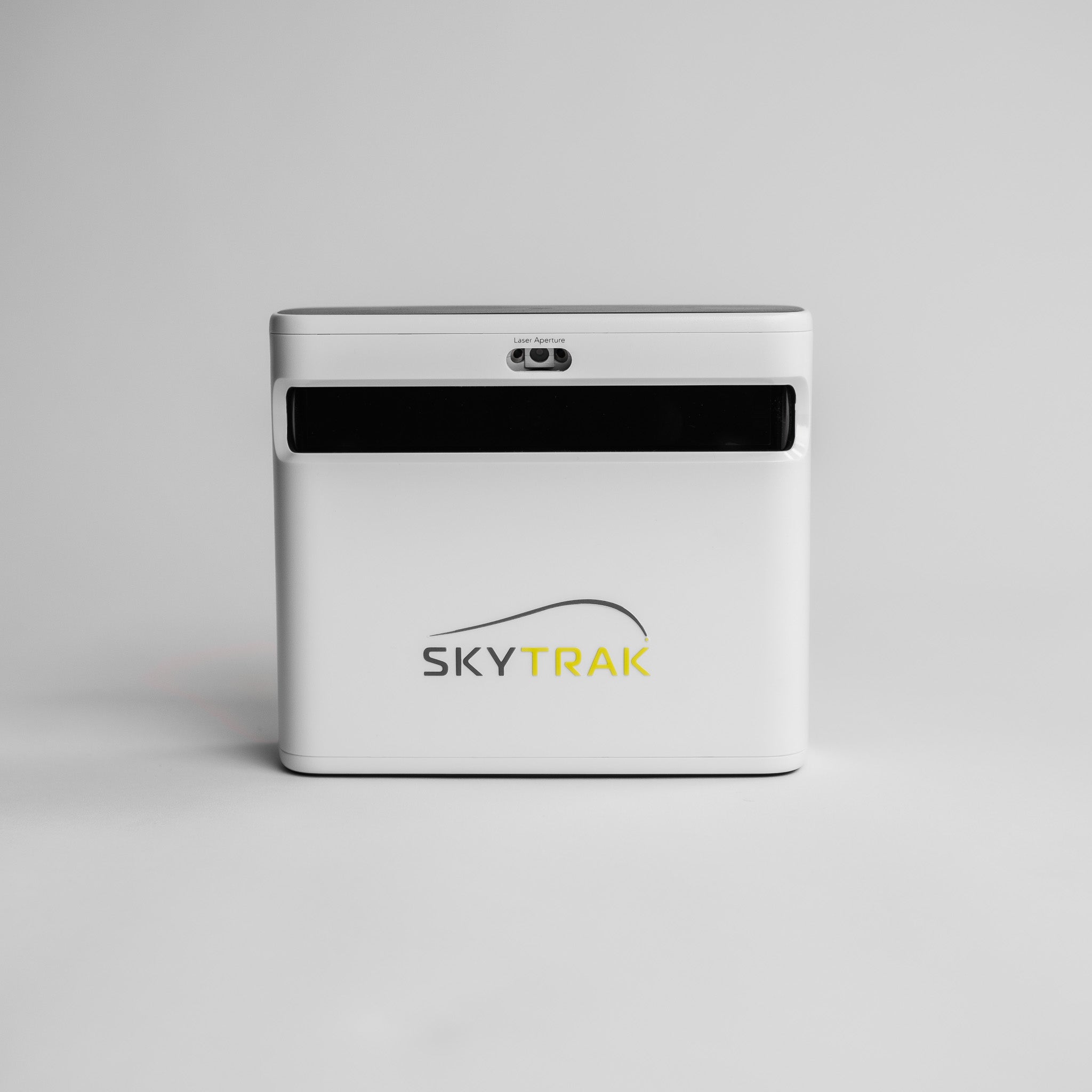
Does SkyTrak Work with GSPro?
SkyTrak is not currently listed by GSPro as an officially supported launch monitor.
You may find community workarounds online. But if you are buying a launch monitor specifically because you want to use GSPro, we would not treat SkyTrak as a clean official route unless that status changes.
The sensible rule to follow is simple: If GSPro is central to your simulator plan, choose a launch monitor GSPro currently lists as supported.
Does Garmin R10 Work with GSPro?
Yes. Garmin R10 is currently listed as a GSPro-supported launch monitor.
GSPro’s own setup guidance says the Garmin R10 connects to a Windows PC via Bluetooth. If your PC does not have Bluetooth built in, you may need a USB Bluetooth adapter.
There is one important caveat: the Garmin R10 does not support putting in GSPro, so you will need to use one of GSPro’s auto-putt modes before starting a round.
That does not stop the R10 being a route into GSPro, but it is exactly the kind of detail you want to know before you build your whole simulator plan around it.
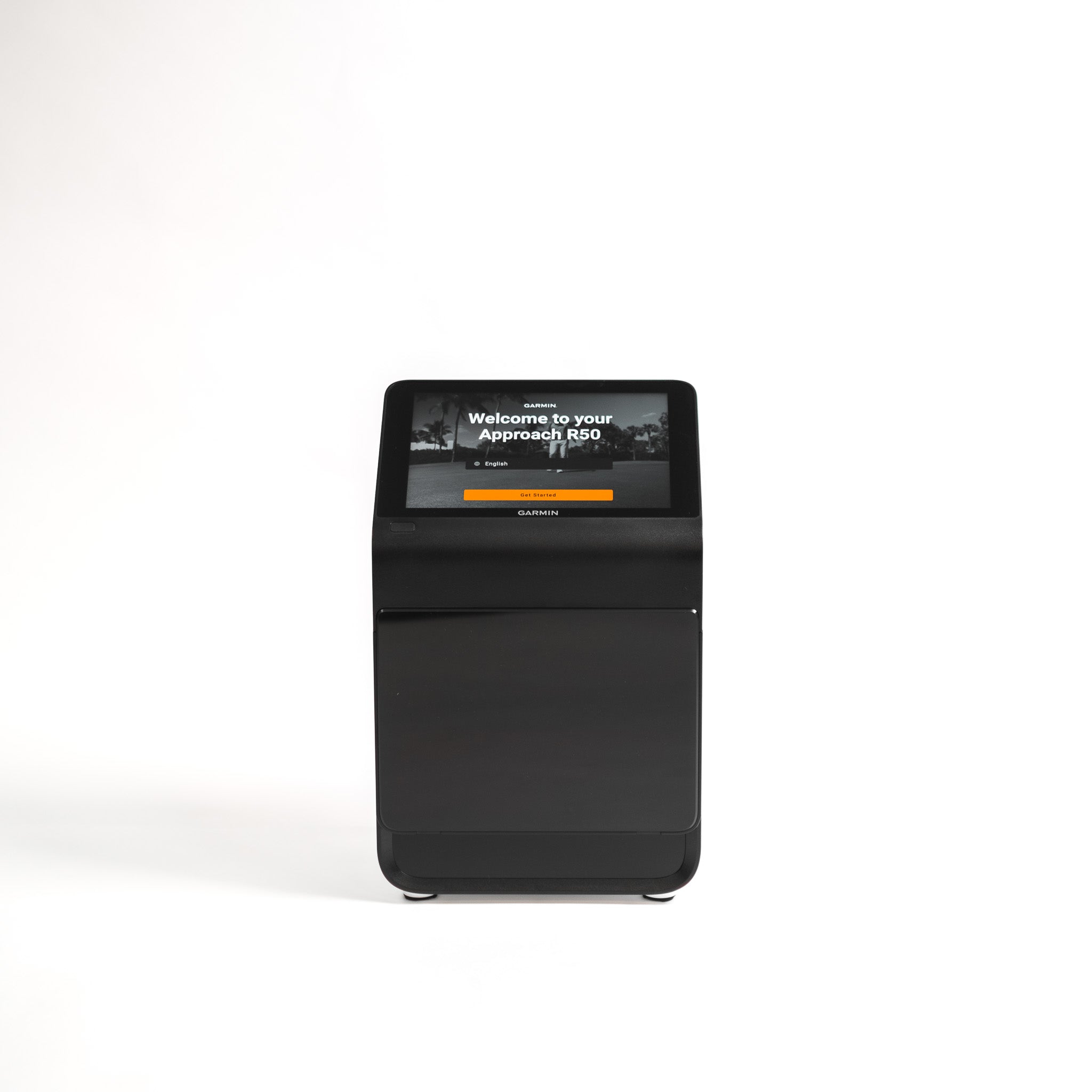
Does Garmin R50 Work with GSPro?
Yes. Garmin R50 is currently listed as a GSPro-supported launch monitor.
The R50 is more self-contained than the R10 because it has its own built-in screen and simulator-style features. But GSPro still needs to run through a compatible Windows PC.
GSPro’s R50 setup guidance gives two connection options: the R50’s own hotspot WiFi or a general home/shared WiFi network. The hotspot method is recommended because it gives the R50 a more direct connection to the GSPro PC.
So, while the R50 is a more advanced all-in-one launch monitor, don’t assume it removes the need for a proper GSPro PC setup.
Does Rapsodo MLM2PRO Work with GSPro?
Yes. Rapsodo MLM2PRO is currently listed as a GSPro-supported launch monitor.
However, GSPro states that the MLM2PRO requires a Rapsodo Premium Membership. That is exactly the kind of detail worth checking before you buy, because the launch monitor price alone does not tell you the full ownership cost.
Rapsodo’s own materials also position GSPro as Windows gaming PC-based software, so factor the computer into your setup from the start.
Does Bushnell Launch Pro Work with GSPro?
Yes. Bushnell Launch Pro is currently listed as a GSPro-supported launch monitor.
However, GSPro states that Bushnell Launch Pro users need a paid Gold-level subscription before access to GSPro is allowed. Gold trials are not valid for this requirement.
Bushnell and Foresight’s own information also makes clear that GSPro is a separate software purchase. So if you are considering Launch Pro specifically for GSPro, build the Gold subscription and GSPro subscription into your budget from day one.
Does Foresight Work with GSPro?
Yes. GSPro currently supports Foresight GC3, GCQuad, GCQuad Max, GCHawk and Falcon.
There is an important software requirement. GSPro states that these Foresight users need FSX 2020 or FSX Play before access to GSPro is allowed.
Foresight’s own GSPro information also confirms that a valid FSX Play or FSX 2020 licence is required to run GSPro with a Foresight Sports launch monitor. It also states that GC2 launch monitors are not supported through this official GSPro route.
If you are buying Foresight hardware for GSPro, check the licence position before checkout. The hardware may be compatible, but the software access needs to be right as well.
Does Uneekor Work with GSPro?
Yes. GSPro currently supports several Uneekor launch monitors, including EYE XO, EYE XO2, EYE MINI, EYE MINI Lite, QED and XR.
GSPro states that Uneekor requires an active Pro Package subscription. Uneekor’s own software information also shows that third-party software access sits in the Pro tier and above.
So if you are planning a Uneekor-based simulator with GSPro, factor in both the GSPro subscription and the relevant Uneekor software package.
Does FlightScope Mevo+ Work with GSPro?
Yes. FlightScope Mevo+ is currently listed as a GSPro-supported launch monitor.
GSPro also lists Mevo Gen2, Xi, X2 and X3 among its supported FlightScope devices.
With FlightScope, the main point is not whether Mevo+ appears on the supported list. It does. The thing to check before buying is whether your space, connection setup and PC arrangement suit the way the unit connects and tracks shots.
Does Square Golf Work with GSPro?
Yes. GSPro currently lists both Square Home and Square Omni as supported launch monitors.
Square Golf also states that its launch monitors integrate with GSPro, along with other third-party simulator software. For customers building a home simulator, that makes Square worth considering when GSPro compatibility is one of the deciding factors.
As always, check the latest software and setup requirements before purchase, especially if you are comparing Square against other launch monitors with different subscription models.
Does ProTee VX Work with GSPro?
Yes. ProTee VX is currently listed as a GSPro-supported launch monitor.
For golfers planning a fixed indoor simulator bay, overhead systems like the ProTee VX are often attractive because the hardware sits above the hitting area rather than beside or behind the ball. That can be particularly useful in shared simulator spaces where both right and left-handed golfers will be playing.
The key compatibility point is straightforward: ProTee VX is on GSPro’s current official supported list.
Does Full Swing KIT Work with GSPro?
Yes. Full Swing KIT is currently listed as a GSPro-supported launch monitor.
GSPro also provides a connection guide for Full Swing KIT users, so this is not simply a vague compatibility claim. If you are planning a KIT-based simulator, check the current connection guidance and make sure your Windows PC is correctly set up before installation.
Why GSPro Compatibility Matters Before You Buy a Launch Monitor
The launch monitor and software need to be thought about together.
A common mistake is to choose a launch monitor first, then think about simulator software later. That can work, but it can also leave you boxed into software options you didn’t really want on day one.
If you already know you want GSPro, compatibility should be one of your first buying requirements.
Before choosing a launch monitor, consider:
-
Is this launch monitor currently supported by GSPro?
-
Does it need a manufacturer subscription to access GSPro?
-
Does it require additional software?
-
Will my PC run GSPro properly?
-
Does the connection method suit my setup?
-
Am I comfortable with any connector or integration steps involved?
We know, those questions are not the most exciting. Nobody starts a simulator build dreaming about connection methods and subscription tiers.
But they are the questions that stop your golf simulator becoming a very expensive room full of almost-compatible equipment.
GSPro Compatibility Checklist
Before you commit to a launch monitor for GSPro, run through this checklist.
1. Check the current GSPro-supported launch monitor list
Compatibility can change. New launch monitors are added. Requirements can be updated. Always check the latest supported list before purchasing.
2. Check whether you need manufacturer software
Some launch monitors require their own software package before GSPro access is available. This can affect both cost and setup.
3. Check whether you need an extra subscription
GSPro is a subscription, but some launch monitors also require a manufacturer membership or software plan. Make sure you know the full recurring cost.
4. Check your PC specification
GSPro needs a suitable Windows PC. If you want a clean 1080p or 4K experience, don’t treat the PC as an afterthought.
5. Check your room setup
A launch monitor can be GSPro-compatible and still not be ideal for your room. Radar units, camera-based units and overhead systems all have different setup considerations.
6. Consider how much tinkering you are willing to do
Some golfers enjoy the technical side. Others want to switch it on and play. Be honest about which camp you’re in. There’s no shame in wanting a setup that behaves itself.
Choose Your Software and Launch Monitor Together
GSPro is a strong choice for golfers who want a serious simulator experience, realistic ball physics and access to a massive library of community courses. But it only works properly when the rest of the setup is built around it.
The key is not just finding a launch monitor that works with GSPro. The real task is choosing a GSPro-compatible launch monitor that gives you the cleanest route into the setup you actually want.
That does not mean you need the most expensive launch monitor. It means you need one that is officially supported, properly matched to your space, clear on subscription requirements and realistic for how you plan to use your simulator.
Get that right and GSPro can sit at the heart of a brilliant home golf simulator setup.